


🏁 The Forza Horizon 6 community hub
Find and share Forza Horizon 6 codes
Tunes, liveries, EventLab and properties — all in one searchable hub. Find a code, copy it, and bring it into the festival.
🔥 Trending tunes
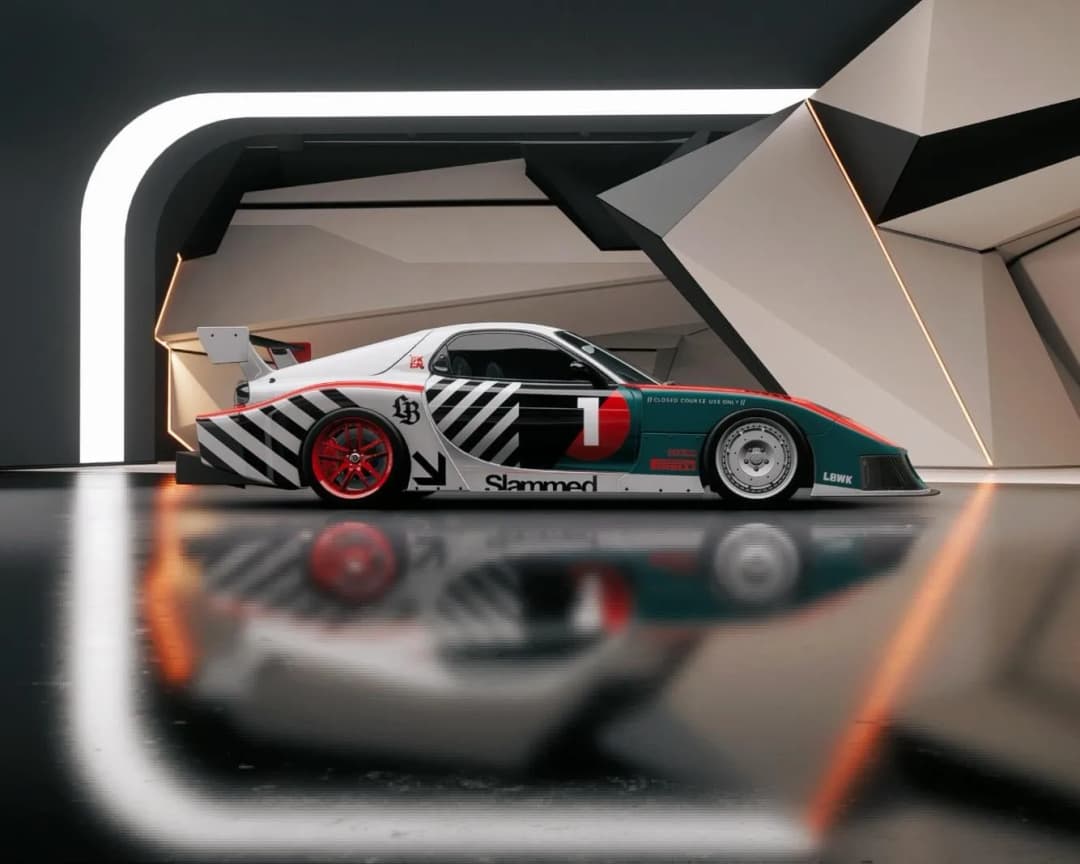
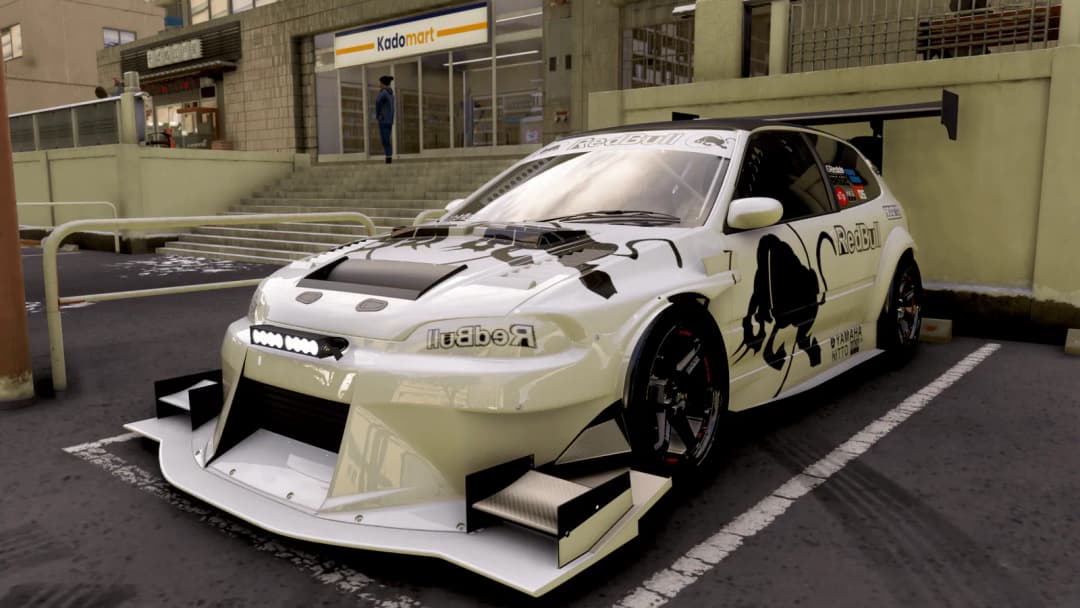
All tunes →Fresh liveries
All liveries →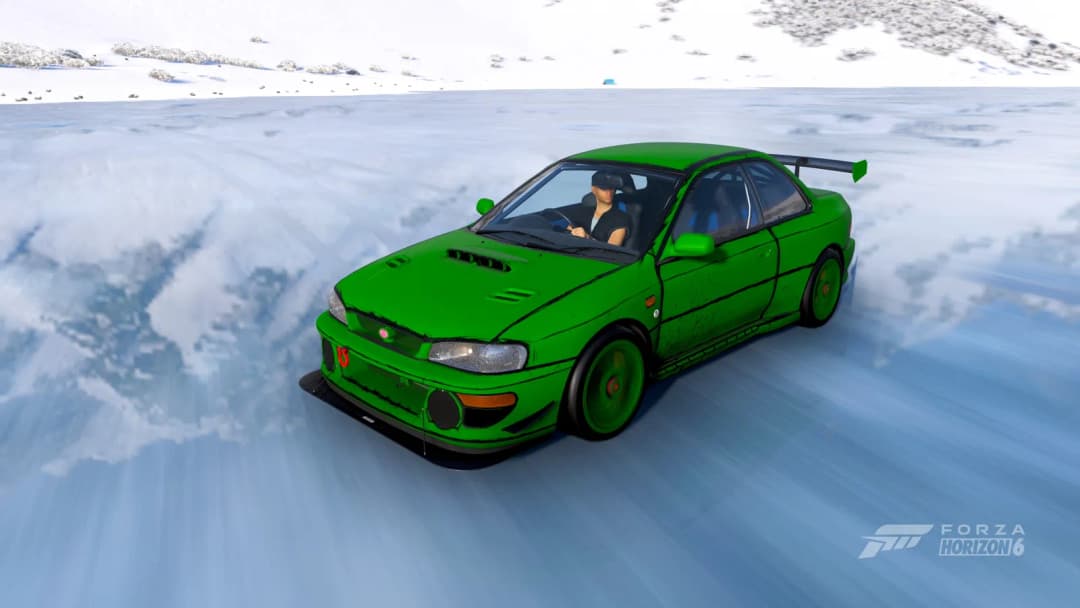
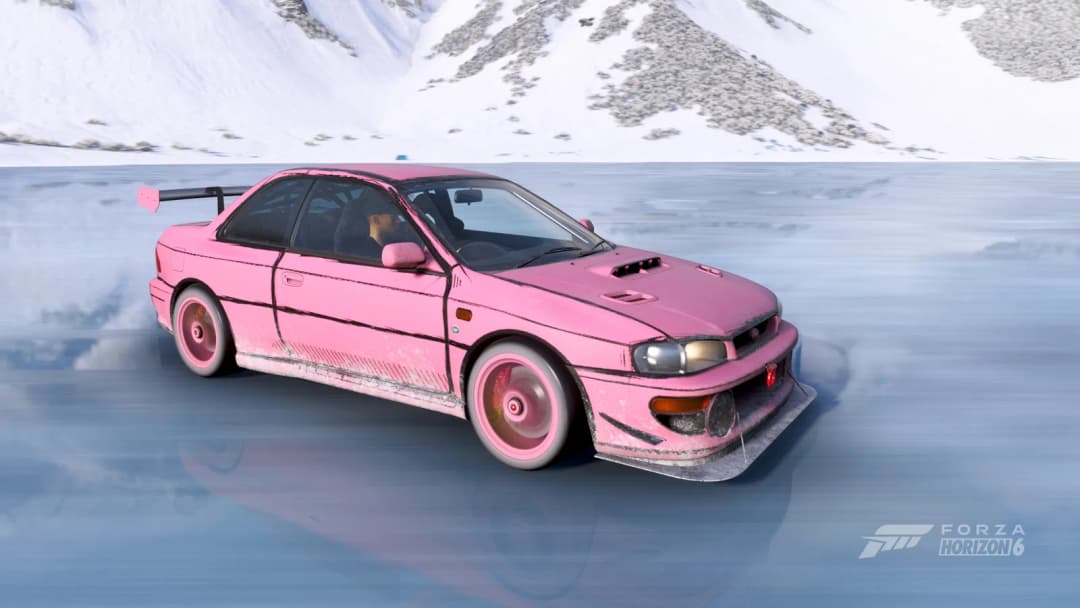
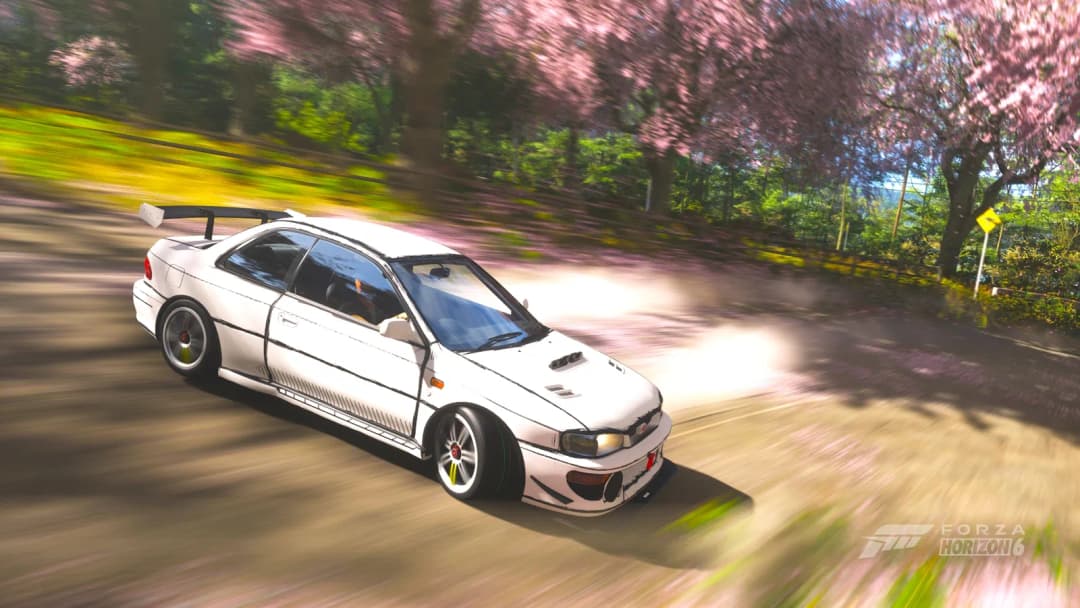
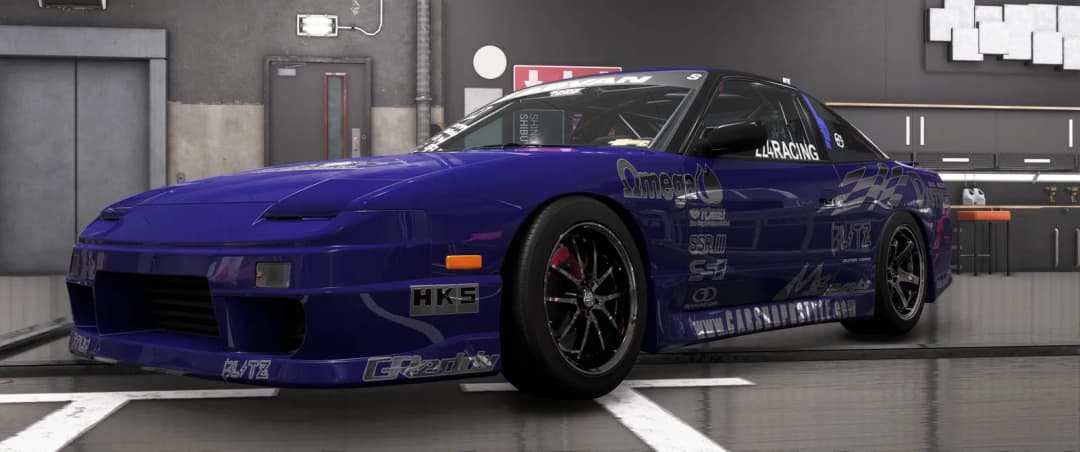
Featured garages
All garages →Latest events
All events →Frequently asked questions
- What is a Forza Horizon 6 share code?
- A share code is a 9-digit code that points to community-made content in Forza Horizon 6 — a tune, livery, EventLab event, property or garage. Enter it in-game to instantly download and use that creation.
- How do I use a share code?
- For a tune: open the pause menu → Cars → Upgrades & Tuning → Tuning Setups, press the share-code button and type the 9-digit code. Liveries, events and properties use the equivalent Design or Creative Hub share menu.
- Do you invent the codes?
- No. Every code is either shared directly by a registered user or a curated import of a real, publicly shared code — always credited to its original creator. We never fabricate codes.
- How often are new codes added?
- Continuously. The Forza Horizon 6 Festival Playlist resets every Thursday, so the community shares fresh tunes and liveries each week.